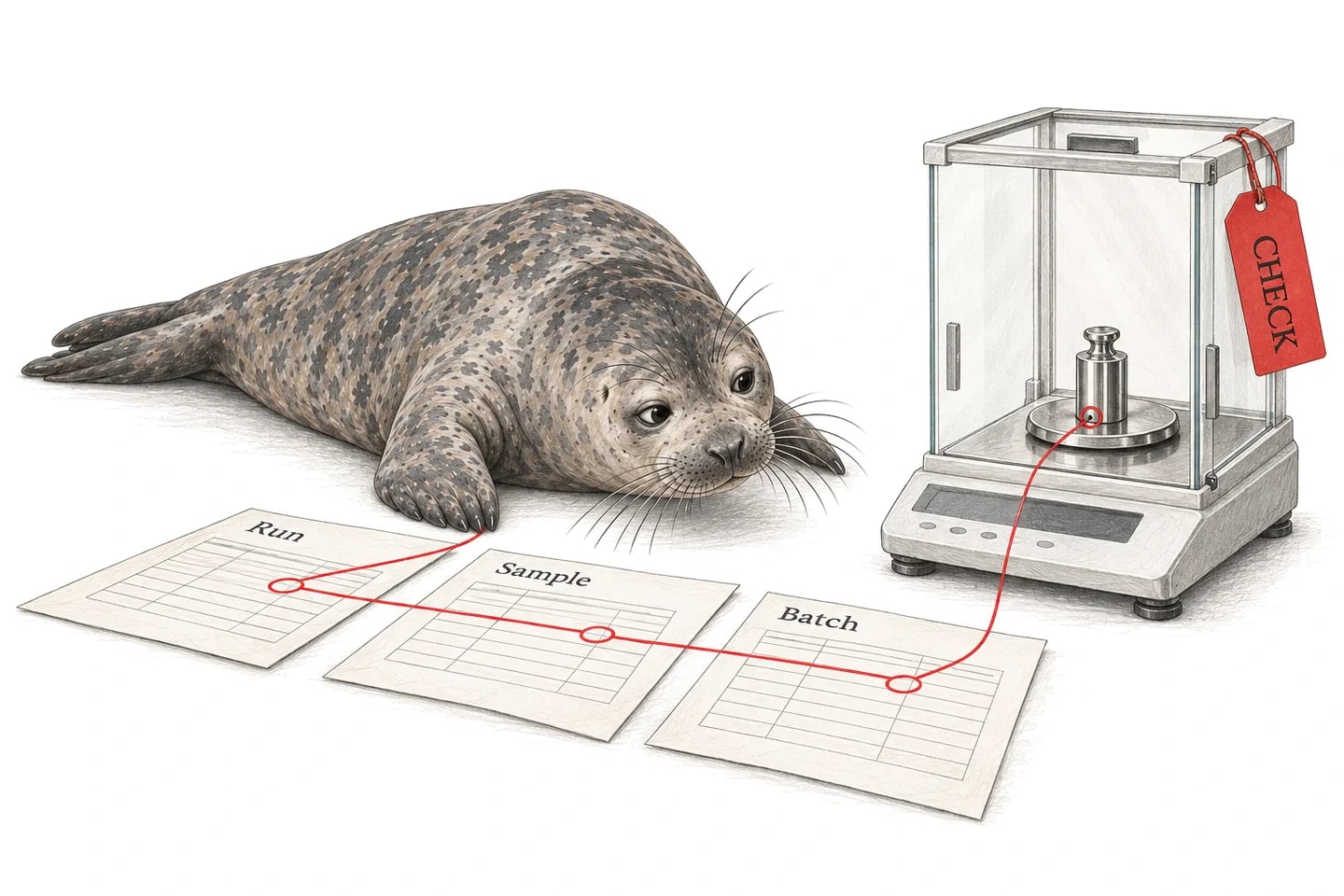
1A LabX task supports buffer preparation
Illustrative task and batch-step records for the configured weighing connection.
Material
LOT-084 / container 2
Resolve the material container used by the preparation.
LabX task
WEIGH-084 / BAL-03
Retain the completed task and instrument reference.
Measurement
Net mass / g / recorded status
Map the defined quantity with its unit and source evidence.
Execution
BUF-084 / ingredient step 3
Link the selected measurement to the actual preparation step.
2Make the measured quantity part of the batch evidence.
Seal brings the weigh step together with the material lot, preparation and review record. A configured connection can populate the agreed measurement fields from the LabX task and retain the source evidence, reducing the manual handoff between laboratory instruments and execution records.
Neil can help assemble a preparation review and identify missing measurement context across the selected steps. Reviewers can reach the actual weighing evidence from the batch rather than collecting separate printouts or files.
With the records connected, try asking Neil:
Review the LabX weighing evidence for this preparation. Match each task to its material lot and batch step, and show the recorded net mass, units and any missing context.
3Configure the task export available in your installation.
METTLER TOLEDO’s LabX licensing documentation identifies an Auto Import / Export option for CSV and XML. Confirm the installed edition and licensed options with the LabX administrator, then agree the completed-task output needed by the execution workflow.
For the file-based Seal connection, collect the completed output through the approved local-file route and map the agreed fields with a Seal Script. Keep a representative task and its source file as the reference for the connection’s format and expected result.
4Keep net, tare and gross mass distinguishable.
Map the task, instrument, result kind and unit before placing a number in the batch record. Retain net, tare and gross measurements separately where the source supplies them. Keep stability or other reported measurement status with the corresponding result.
Link the task to the material lot, container and executed step. This connects the measured quantity to the work that used it. If the source task does not identify the lot directly, define how the receiving workflow resolves and records that association.
5Record the weighing event that was actually used.
A repeated or corrected weigh should remain an attributable event. Keep the earlier evidence and identify the accepted measurement for the step under the configured execution rules. Treat a duplicate file delivery separately from a new physical measurement.
When consumption is sent to an inventory or ERP workflow, agree that transaction as a separate step using the recorded material and quantity. Seal can connect the source measurement, execution record and subsequent material movement, giving the batch review a coherent evidence trail.
6Test it with your data.
Use these cases to agree and test the connection’s behaviour. They are proposed acceptance checks, not completed tests or automatic connector features.
The first numeric column contains gross mass
The export lists gross mass before the net mass requested by the batch step.
- Expected behaviour
- Map the explicitly defined net result and retain the other reported quantities separately.
- Evidence to keep
- The LabX task, source field names and recorded batch-step measurement.
The operator repeats the weigh after a correction
Two completed LabX tasks refer to the same ingredient step but different weighing events.
- Expected behaviour
- Retain both events and identify which accepted measurement supports the executed step.
- Evidence to keep
- Both task identities, source evidence and the measurement-selection history.
More checks for this connection
- Compare net, tare and gross fields with a known completed LabX task.
- Verify the material lot association for two tasks with similar sample labels.
- Deliver a file twice and then import a genuine repeat weigh.
7Before you connect
Can Seal connect LabX weighing results to electronic batch records?
Yes. Configure the available LabX task export, collect the completed evidence and map the selected measurement to its material and batch step in Seal. Confirm the export licence and result fields for your installation.
Can the integration use CSV or XML from LabX?
LabX documentation describes CSV and XML through its Auto Import / Export option. Choose the available format and agree the task layout with the administrator before configuring the Seal mapping.
Can weighing evidence also support inventory and preparation records?
Yes. Seal can connect the measurement to the material container, executed preparation step and subsequent inventory workflow. Define the accepted measurement and any material-movement transaction as part of that workflow.
Is a LabX export connection the same as direct balance control?
This guide covers completed LabX task evidence. A direct instrument connection or control operation has its own interface and scope; use the route that fits the installed equipment and the work you want to support.
8Check your system’s connection options.
Confirm the installed version, available exports and permissions. These pages cover the source interface and link to setup instructions.
For configuration: Seal Scripts and local-file collection.
9Configure the workflow around your lab.
Start with a Seal blueprint, then connect the source evidence and records your team uses.
10Work through the receiving process.
Explore the records, calculations and exception decisions behind this connection.
11Start with one export.
Bring the source evidence and the records it needs to connect to. For this workflow, a useful starting pack is:
- A completed LabX task export with its result labels, units and instrument identity.
- The material-lot and batch-step references used during weighing.
- An original weigh and a genuine repeat or corrected weighing event.
References
- 1METTLER TOLEDO: LabX licensing and export options. Vendor reference for the Auto Import / Export CSV and XML option; confirm current licensing for the installed edition.