Your instruments.
Part of the workflow.
Seal works with any instrument whose software saves a file. Seal IoT collects the files and sends them to Seal over outbound HTTPS. Each original stays with its results, linked to the sample, method and run, so your team and Neil, your AI agent, can investigate and improve the work.
Find your instrument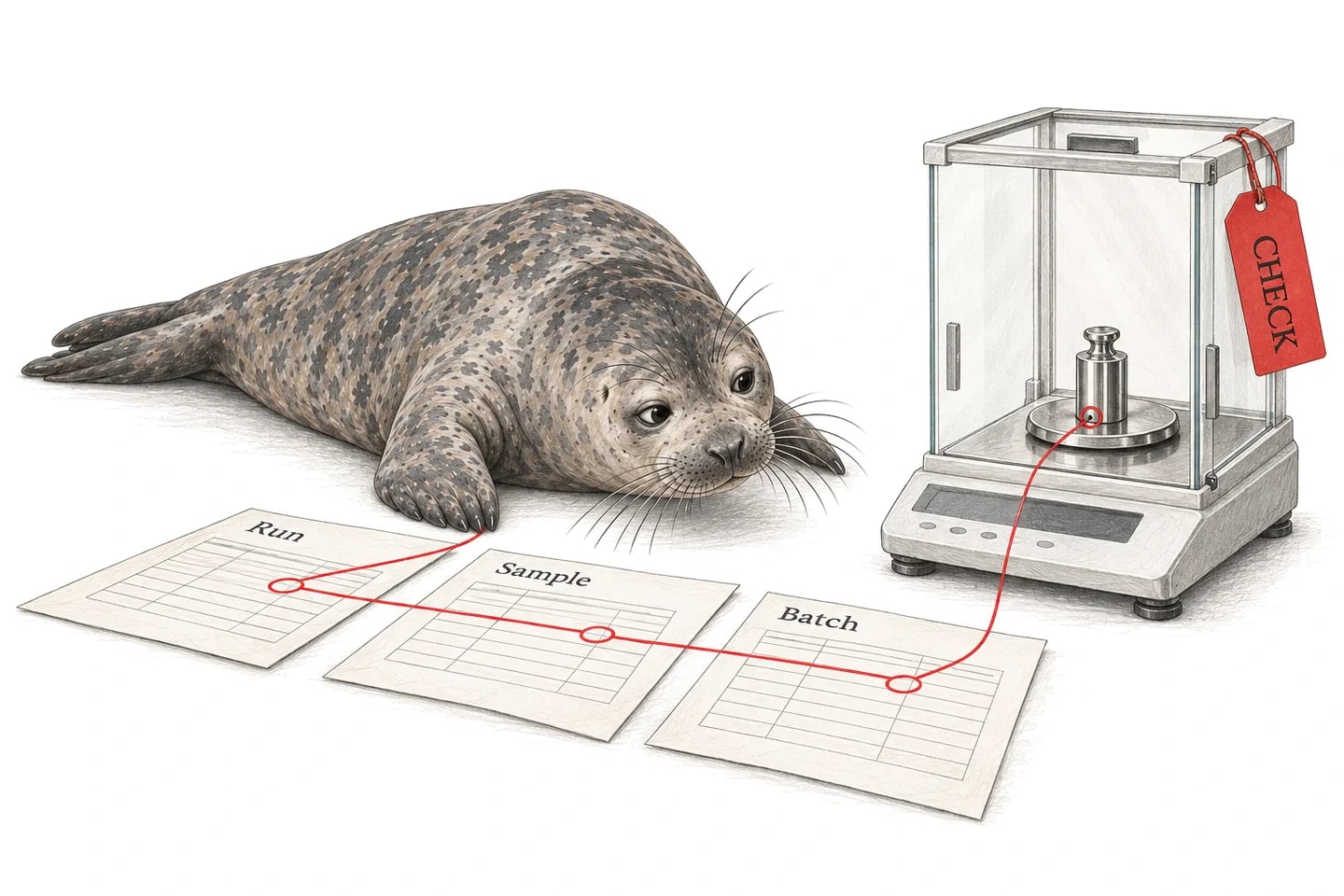
Find your instrument.
Seal works with any instrument whose software saves a file. Search 4,985 models from 248 manufacturers that laboratories connect, or open a manufacturer to see its models.
- 2mag
- 3Brain
- 10x Genomics
- Aber Instruments
- Accellix
- Advanced Instruments
- Advion Interchim Scientific
- Affinité Instruments
- Agilent
- AID Autoimmun Diagnostika
- Alfa Laval
- Alfa Wassermann
- Alltech
- Analytik Jena
- Andor
- Antec Scientific
- Anton Paar
- ApogeeFlow
- Applied Photophysics
- AQUALAB
- Associates of Cape Cod
- Axion BioSystems
- Azure Biosystems
- BASi
- BD Biosciences
- Beckman Coulter
- Berthold Technologies
- Bettersize
- BINDER
- Bio Molecular Systems
- Bio-Rad
- Bio-Techne
- Biochrom
- Bioengineering AG
- Biolin Scientific
- BioLogic
- BioLogics
- bioMérieux
- Biosensing Instrument
- Biotage
- BMG LABTECH
- Brookhaven Instruments
- Bruker
- BUCHI
- Byonoy
- CARR Biosystems
- Carterra
- Cell Microsystems
- Cellenion
- Cellexus
- Cellular Technology Limited (CTL)
- ChemoMetec
- Climet Instruments
- Colloidal Dynamics
- Cordouan Technologies
- Countstar
- CTC Analytics
- Curiosis
- Cytek Biosciences
- CYTENA
- Cytiva
- Cytonome
- DANI Instruments
- Deepcell
- DeNovix
- Distek
- Dostmann
- Dynamic Biosensors
- Dynex Technologies
- Echo
- Edinburgh Instruments
- Element Biosciences
- Ellab
- Ellutia
- Elysia-raytest
- Endress+Hauser
- Entegris
- Eppendorf
- ERC
- ERWEKA
- Etaluma
- Evident
- Evosep
- Fidabio
- Fluidic Sciences
- Fluke
- Formulatrix
- FRITSCH
- FUJIFILM Wako
- Fuli Instruments
- Gator Bio
- GEA
- Gilson
- Global Analyzer Solutions
- GOW-MAC
- Gyros Protein Technologies
- H.E.L Group
- Halo Labs
- Hamamatsu Photonics
- Hamilton
- Hiden Analytical
- Hitachi High-Tech
- HiTec Zang
- HORIBA
- Hudson Robotics
- Illumina
- Implen
- INFORS HT
- INTEGRA Biosciences
- Interscience
- IUL
- Izon Science
- JASCO
- JEOL
- Kaye
- KEYENCE
- Knauer
- Kontron
- Kuhner
- LECO
- Leica Microsystems
- LevitasBio
- LI-COR
- Lighthouse Worldwide Solutions
- Linear Instruments
- Logos Biosystems
- LS Instruments
- Lucid Scientific
- LUM
- Luminex
- Lunaphore
- Mabtech
- Magritek
- Malvern Panalytical
- Markes International
- MaxWell Biosystems
- MBV AG
- Memmert
- Meso Scale Discovery
- Metrohm
- METTLER TOLEDO
- MGI Tech
- Microtrac
- Milestone
- Miltenyi Biotec
- Mindray
- Mission Bio
- Molecular Devices
- Multi Channel Systems
- MVE Biological Solutions
- Myriade
- NanoCellect
- NanoEntek
- NanoFCM
- Nanolive
- NanoString
- NanoTemper Technologies
- NETZSCH
- Nicoya
- Nikon
- Nova Biomedical
- Novasina
- Ocean Optics
- OHAUS
- OLIS
- On-chip Biotechnologies
- Opentrons
- Oxford Instruments
- Oxford Nanopore Technologies
- Oxford Optronix
- PacBio
- PAMAS
- Particle Measuring Systems
- Particle Metrix
- PBS Biotech
- PerkinElmer
- Phase Holographic Imaging
- Phasefocus
- PHCbi
- Polymer Laboratories
- Postnova Analytics
- Promega
- QIAGEN
- Quanterix
- Rapid Micro Biosystems
- RedShiftBio
- Refeyn
- Reichert
- Renishaw
- Repligen
- Revvity
- RheoSense
- Rigaku
- RION
- Roche
- Rocker Scientific
- Rudolph Research Analytical
- RWD Life Science
- Sage Science
- Sartorius
- SCIEX
- SCION Instruments
- Sedere
- Shimadzu
- Shodex
- Singer Instruments
- SofTA
- Solaris Biotech
- Sony Biotechnology
- Sophion Bioscience
- SOTAX
- Spark Holland
- Spectradyne
- SPECTRO
- SPT Labtech
- Standard BioTools
- Stanford Research Systems
- Stratedigm
- Sykam
- Sympatec
- Synbiosis
- Syngene
- Sysmex Partec
- TA Instruments
- Tecan
- Teledyne ISCO
- Teledyne SSI
- Teledyne Tekmar
- Thermo Fisher Scientific
- ThinkCyte
- Tomocube
- Tosoh Bioscience
- TSI
- Ultima Genomics
- Unchained Labs
- Union Biometrica
- URG
- Vaisala
- Varian
- VIAVI
- Vilber
- Vizgen
- Waters
- Waters Wyatt
- Yokogawa Fluid Imaging Technologies
- Young In Chromass
- YSI
- ZEISS
Not listed? The route is the same: if the instrument’s software saves a file, Seal IoT collects it, and each connection is scoped and tested with a representative export from your installed version. Send us the model and an example output.
Seal IoT collects what your software exports.
It runs on the instrument workstation, watches the folder your software exports to and sends each completed file to Seal over outbound HTTPS. The instrument software keeps acquiring the data and controlling the run.
HPLC-07 workstation
- Folder
- D:\Exports
- Raw data
- run-0412.raw
- Sequence
- run-0412.csv
- Report
- run-0412.pdf
Seal IoT
- Watch the export folder
- Wait for file-size stability
- Run the upload script
- Send over outbound HTTPS
- Originals
- 3 files
- Sample
- S-042
- Method
- ASSAY-07 v04
- Batch
- B-0847
Seal IoT can run on the workstation, a staging machine or any host that reads the network share. It sends no instructions to the instrument, and each source’s formats, extraction and mapping are agreed and verified. Scientific data management explains the capture route in full.
Each result keeps its sample, method and run.
The original file stays with the run, and its values are mapped into the sample’s record rather than retyped. A reviewer reaches the chromatogram from the result.
- Result
- 4.93 mg/mL
- Specification
- 4.20–4.80 mg/mL
- Method
- ASSAY-07 v04
- Source
- RUN-0412, raw data
| Evidence | What Seal keeps |
|---|---|
| Original files | The export, as it was written |
| Identity | Run or sequence, injection and sample |
| Method | The method and its version |
| Values | Typed fields, with their units |
| Parser | Its version, beside each extracted value |
| Times | Acquisition and capture, kept apart |
| Reprocessing | A derived record; the first one stays |
Matching uses the run or sequence, injection and sample rather than a filename, and ambiguous matches go to review rather than to the wrong sample. Define the files each run must produce: a finished PDF does not prove that the raw data, method and audit trail arrived.
Capture is not qualification. Whether the instrument was suitable for the work is recorded in equipment management.
What IT needs to confirm.
The folder-upload route needs no inbound connection to the workstation. Confirm the rest with IT before installation.
| Area | What to confirm |
|---|---|
| Host | Windows or macOS, with access to the files |
| Network | Outbound HTTPS on port 443 |
| Inbound ports | None for the folder-upload route |
| Folder access | Through the running account |
| Allowlist | seal.run, plus sign-in and update services |
| Credentials | Scoped to the destination workspace |
| Unattended use | A dedicated account and startup |
Test connectivity from the actual host. Files that arrive while the agent is stopped can be picked up when it restarts, if they are still at the source, so agree a retention window and how repeats are reconciled.
The scientific data blueprint sets out installation in full, and connected systems in the regulatory guide covers how a connection is qualified.
Neil prepares the work. Your team decides.
Neil, Seal’s AI agent, works from the captured runs and their originals, within the permissions of the person asking. Your team inspects the sources and makes the decision.
| Question | Neil prepares | Your team decides |
|---|---|---|
| Which runs support batch B-0847? | The runs and their originals | Whether the evidence is enough |
| Why is S-042 above specification? | The evidence, with its sources | Cause and impact |
| What changed between two reports? | The changed processing | Whether the change is justified |
| Capture a new plate reader’s export | The template and its checks | Whether they match the source |
| The instrument software was upgraded | A changeset with its verification | Approval and release |
Unsupported formats, missing files and unresolved matches stay visible rather than becoming confident guesses, and receiving a file never approves a result.
In line with the EU’s draft GMP Annex 22 on AI, Neil is not used in GMP execution. It helps set up configuration, which your team verifies and releases under change control. See how Neil fits Annex 22.
Connection guides.
Each guide works through one kind of instrument data: what to export, how it maps to Seal records and the checks to run before your team relies on it. See all connection guides.
Start with your instrument.
Bring your model and an example output. We’ll map a connection into your workflow, with instrument control kept in your existing software, and test it with a late file, a duplicate transfer and a failed integrity check before you rely on it.
Book a demo