1How the results reach Seal.
In the laboratory
SOTAX dissolution testers
- q-docSaves q-doc test and batch reports
- WinSOTAX plus
Export folder
On the workstation or a network share
Seal Edge
Waits until each file is complete, then sends it
Outbound HTTPSNo inbound connection
Nothing is written back to the instrument or its software
In Seal
Seal Script
Checks the file’s layout and matches it to its record
Record
Test and vessel
- Time point
- % dissolved
- Temperature
- Original file, kept
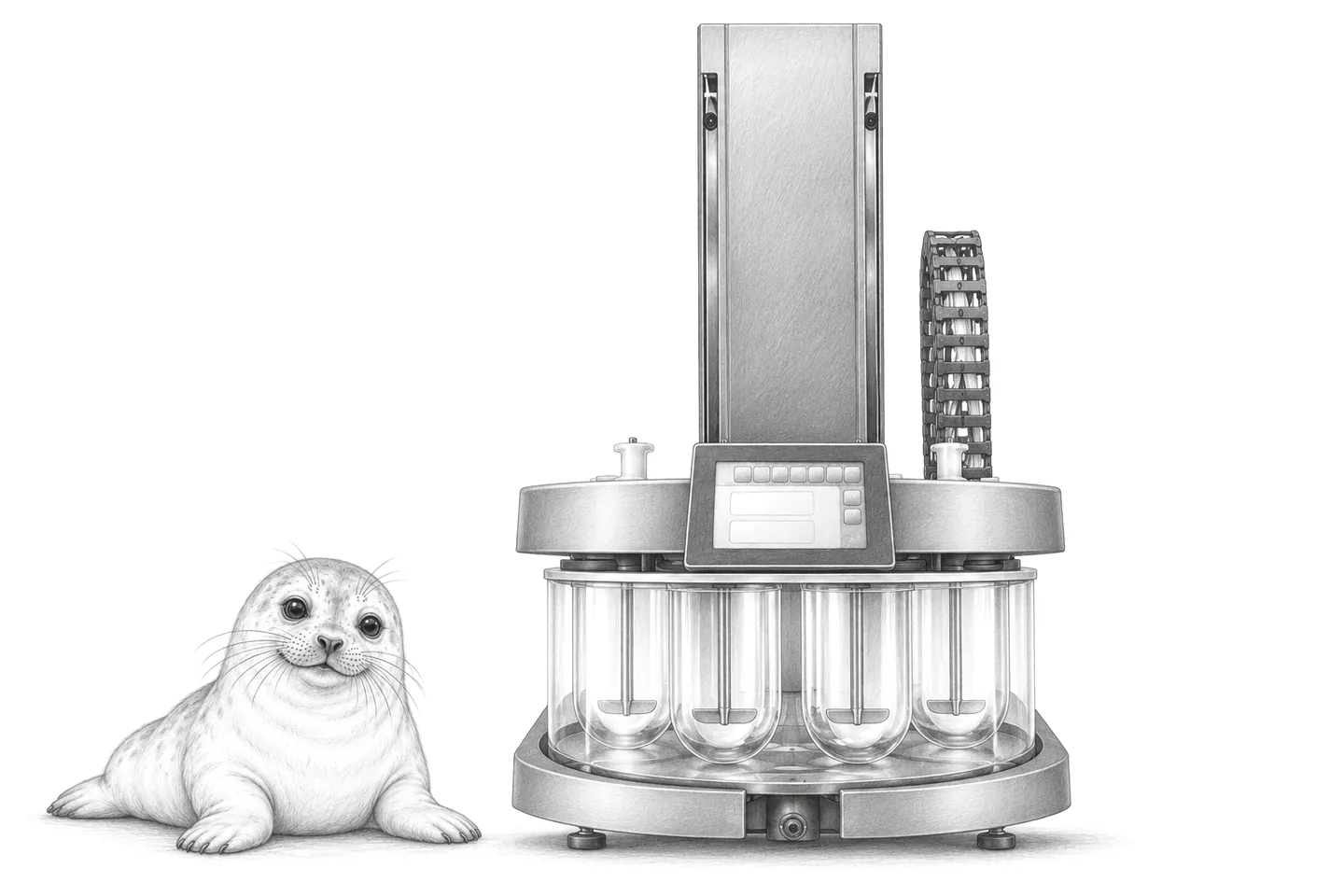
Results from the SOTAX dissolution testers come from q-doc or WinSOTAX plus.
Seal Edge runs on the instrument workstation, or a host that can read the files, and watches the folder the software exports to. When a file is complete it sends it to Seal over outbound HTTPS; no inbound connection to the workstation is needed.
A Seal Script checks the export’s layout, resolves the record it belongs to and writes the selected values into typed fields. The original file is kept with the result. Acquisition and analysis stay in q-doc or WinSOTAX plus: Seal collects completed results and sends nothing back to the instrument or its software.
How capture works and what IT confirms are set out on the instruments page; the setup instructions cover installation.
2The software and what it saves.
- q-doc
- 9 models: tablet testers, dissolution testers and disintegration testers. Saves q-doc test and batch reports.
- WinSOTAX plus
- 1 model: dissolution tester.
Saved by the instrument
- MT50 and ST50
- 2 models: tablet testers. Each saves test results to a USB drive.
- SDT-L
- 1 model: dissolution tester. Saves PDF reports to a network share.
3The SOTAX models.
These are SOTAX instruments laboratories connect to Seal, listed from the manufacturer’s own documents. A model not listed here works the same way if its software saves a file: send us the model and an example output.
Dissolution testers
The test conditions for each vessel (time, temperature and speed) and the samples drawn; the percentage dissolved comes from their analysis.
- AT Xtend
- ATF Xtend
- ATS Xtend
- CE 7smart
- SDT-L
Tablet testers
Hardness, thickness, diameter and weight for each tablet, with the batch statistics.
- AT50
- FT2
- MT50
- ST50
- WT50
Disintegration testers
The disintegration time for each basket position.
- DT2
- DT50
Other
- MP Xtend
- PF1
- TD1
4Where the results go next.
Connection guides
Blueprints
- QC laboratory →
Follow samples from receipt through testing and result review.
- Oral solid dose →
Connect dispensing, processing, packaging and material reconciliation.
5Start with one instrument.
Bring the model, the installed software version and an example output. We map the connection into your workflow and test it with a late file, a duplicate transfer and a failed integrity check before you rely on it. Discuss your SOTAX instruments.