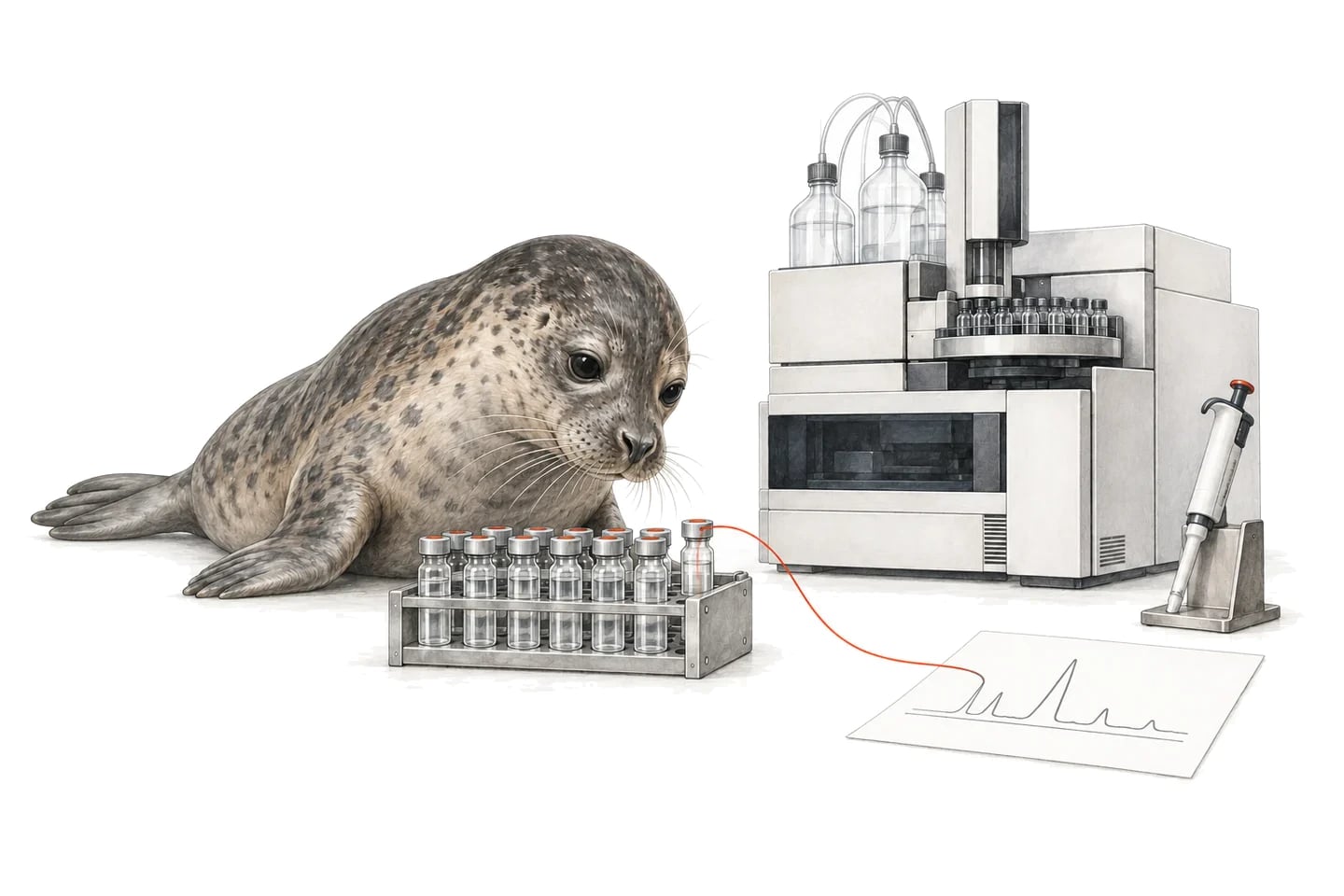
1A Fluent plate becomes a connected assay record
Illustrative records for a Sample Tracking report handoff.
Preparation run
FLUENT-052 / method 3
Retain the run and selected tracking report.
Source
SOURCE-052 / A02
Keep the sample and source-well identity.
Destination
ASSAY-052 / C06
Map the recorded transfer and pipetting status.
Analytical result
READER-052 / C06
Connect the measurement to its preparation evidence.
2Keep the plate map useful after the robot finishes.
Seal connects the preparation report to the assay and experimental records that follow. Scientists can reach the source plate, recorded volume and pipetting status from the destination sample, making it easier to investigate results and reuse the preparation context.
Neil can help prepare a plate-review brief that brings the tracking report and assay evidence together. This gives the team an efficient starting point for reviewing exceptions while preserving the original records for inspection.
With the records connected, try asking Neil:
Review this Tecan destination plate with its assay results. Identify wells with recorded preparation errors and link each finding to the tracking report and sample.
3Use the tracking report generated for the run.
Tecan documents Sample Tracking as a FluentControl add-on. Its report generation produces PDF output and can also export CSV. Confirm the installed licence and tracking configuration, then agree the report type and destination labware with the automation owner.
The Seal handoff can retain the readable report and map the agreed tracking fields into preparation records. Collect evidence at the end of the relevant run so the destination plate has a clear source record when the laboratory starts its next step.
4Preserve the meaning of plate and well identifiers.
Tecan distinguishes tracking within a run from persistent tracking across runs. Establish which mode your installation uses and how the lab assigns barcodes before setting up the mapping. Retain plate and well references, the run and the sample identity required by the receiving workflow.
In Seal, connect those identifiers to the preparation and assay templates already used by the team. A plate map can then support later work without relying on a temporary worktable position or a filename that changes when the report is copied.
5Make preparation status visible beside the result.
Carry the recorded volume, concentration context and pipetting error information that the agreed export supplies. A destination well can then retain both the requested preparation and the recorded outcome. Configure the receiving review rules around those statuses.
When a plate proceeds to a reader, use its identity and well addresses to connect the measurements. Seal can bring the preparation and analytical evidence into the same review, including any unresolved well that needs the automation team’s attention.
6Test it with your data.
Use these cases to agree and test the connection’s behaviour. They are proposed acceptance checks, not completed tests or automatic connector features.
The tracking report records a destination-well error
The CSV lists an error for C06 although the worklist requested a normal transfer.
- Expected behaviour
- Retain the error with C06 and show it when the assay result is reviewed.
- Evidence to keep
- The tracking PDF, CSV row, destination identity and review status.
A later run continues work on an existing plate
The same plate undergoes a second preparation with additional source contributions.
- Expected behaviour
- Link the new preparation to the existing plate while retaining each run’s evidence.
- Evidence to keep
- The plate barcode, two run reports and contribution history for the affected wells.
More checks for this connection
- Compare the same destination well in the tracking PDF, CSV and Seal record.
- Verify plate identity across two successive runs under the installed tracking mode.
- Carry a recorded pipetting error into the receiving review workflow.
7Before you connect
How can Tecan FluentControl connect to Seal LIMS workflows?
Configure the available Sample Tracking reports, collect completed evidence and map run, sample and destination-well fields into Seal. Confirm the licence, tracking mode and report layout with the FluentControl owner.
Which FluentControl file should be used for sample genealogy?
Use the run’s Sample Tracking evidence, with the destination plate and recorded pipetting status. Tecan documents a PDF report and optional CSV export for this purpose.
Can the same sample be tracked across several preparation runs?
Yes, the Seal record can link successive preparations using stable sample and container identities. The source handoff must account for the installed Tecan tracking mode and retain the evidence for each run.
8Check your system’s connection options.
Confirm the installed version, available exports and permissions. These pages cover the source interface and link to setup instructions.
For configuration: Seal Scripts and local-file collection.
9Configure the workflow around your lab.
Start with a Seal blueprint, then connect the source evidence and records your team uses.
10Start with one export.
Bring the source evidence and the records it needs to connect to. For this workflow, a useful starting pack is:
- A finalised Sample Tracking PDF and CSV for the same destination plate.
- The FluentControl version, tracking mode and labware barcode conventions.
- An assay plate result and a preparation report containing a pipetting exception.
References
- 1Tecan: what is Sample Tracking?. Vendor reference for tracking modes, reporting and optional CSV exports.